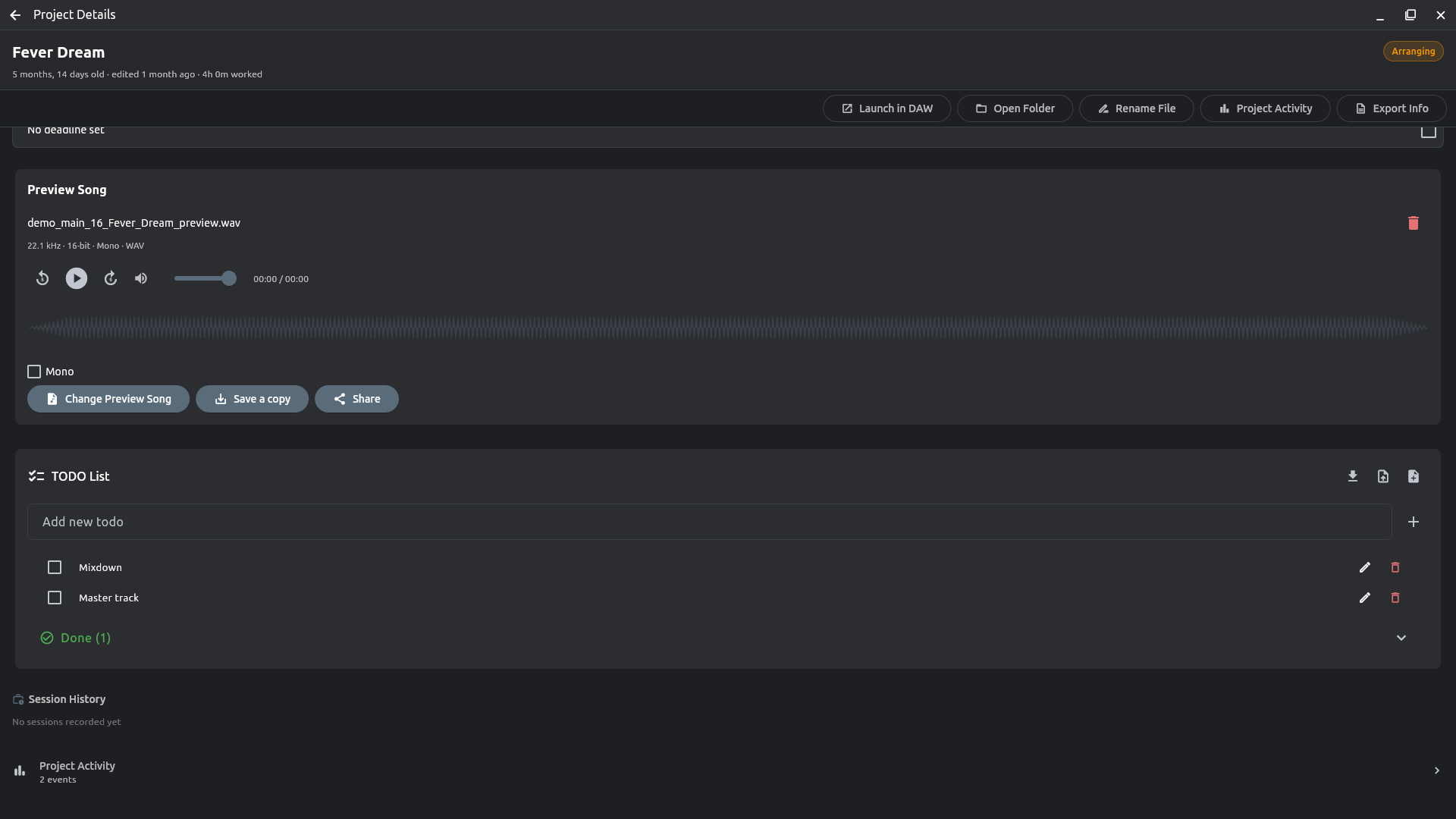
A project's page
Double-click a project. Everything you edit saves as you type. The rail on the left shows one section at a time; the two buttons at the top left switch to Classic, the whole page in one scroll.
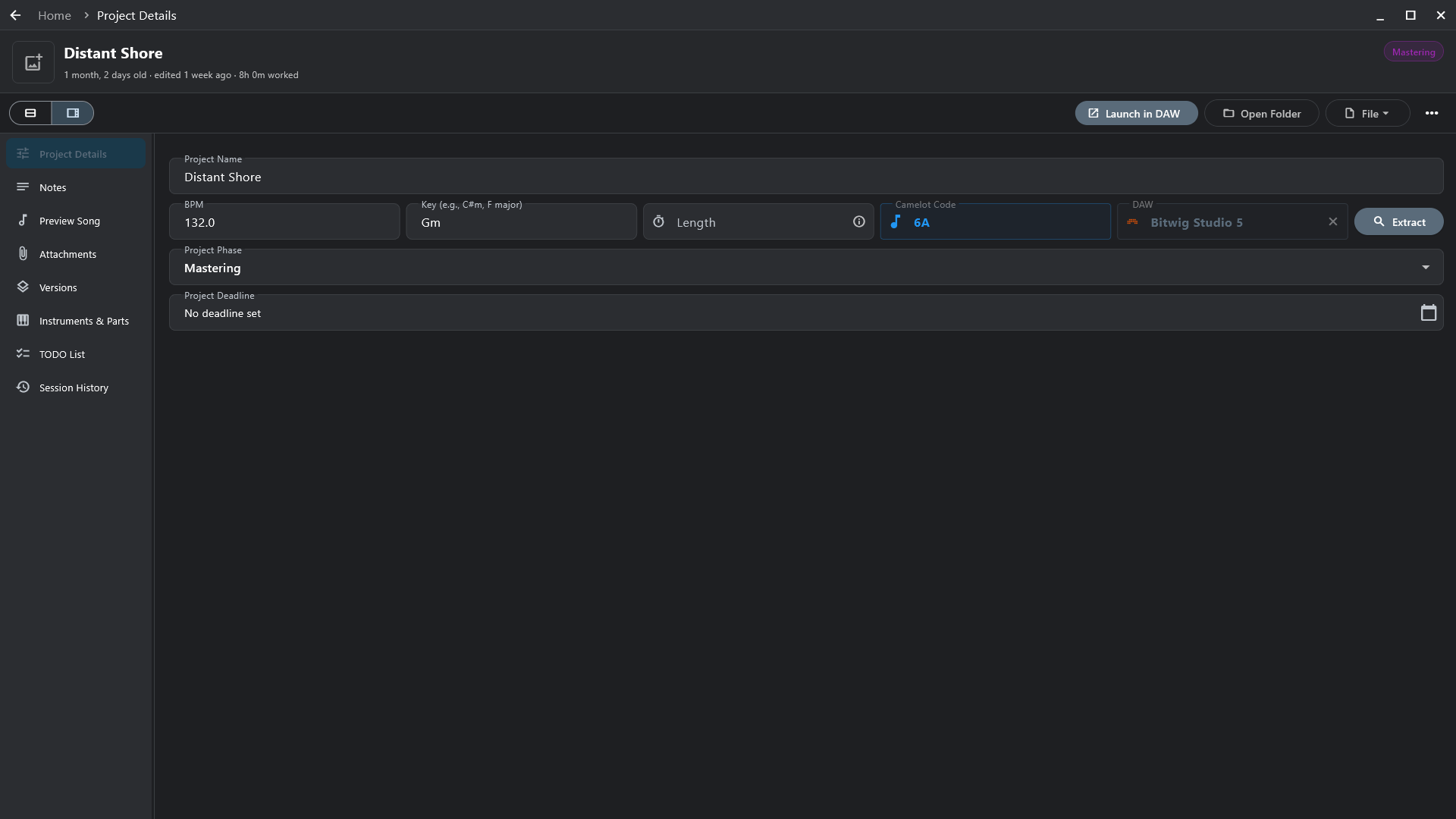
- Details — name, tempo, key (with its Camelot code), phase, deadline, notes, your own custom fields.
- Preview song — the latest mixdown, found on its own in your export folders (Settings → Mixdown Folders) or picked by hand.
- To-dos, attached files and links, cover art and colour, tags.
- Inside the project — tracks, plug-ins and MIDI clips, after a deep scan.
- Timeline — every phase change, so you can see how long a song sat in mixing.