
First launch
A short wizard sets language, theme, which tabs show, your first project folder (or a restore from Google Drive) and whether the app starts with your computer. All of it can be changed later in Settings.
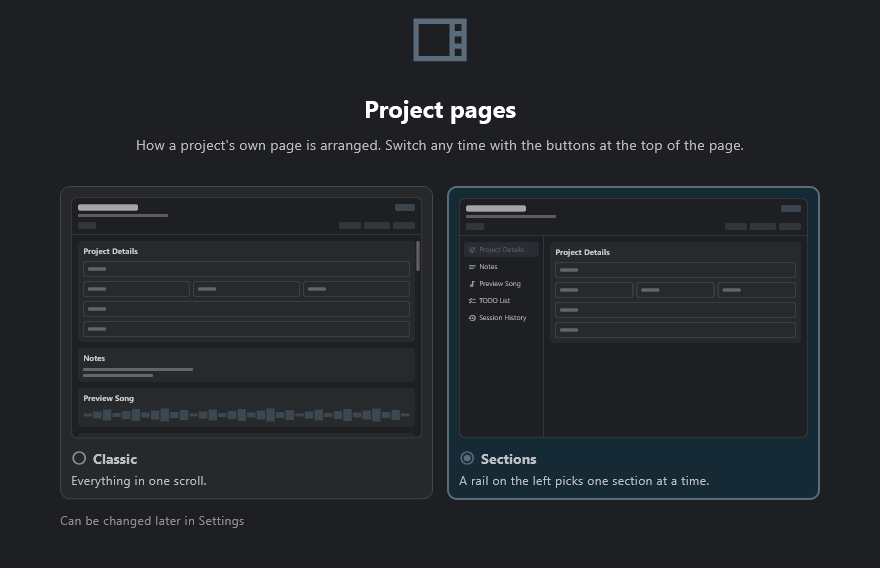
One step picks how a project's page is laid out, with a preview of each: Sections, one part of the page at a time from a rail on the left, or Classic, everything in one long scroll.
The wizard also offers Session Mode, to track the time you spend on each song.