
Dashboard
Every project you have, as a table (as in the overview) or as cards — the same list either way. Sort by any column; choose and order the columns.
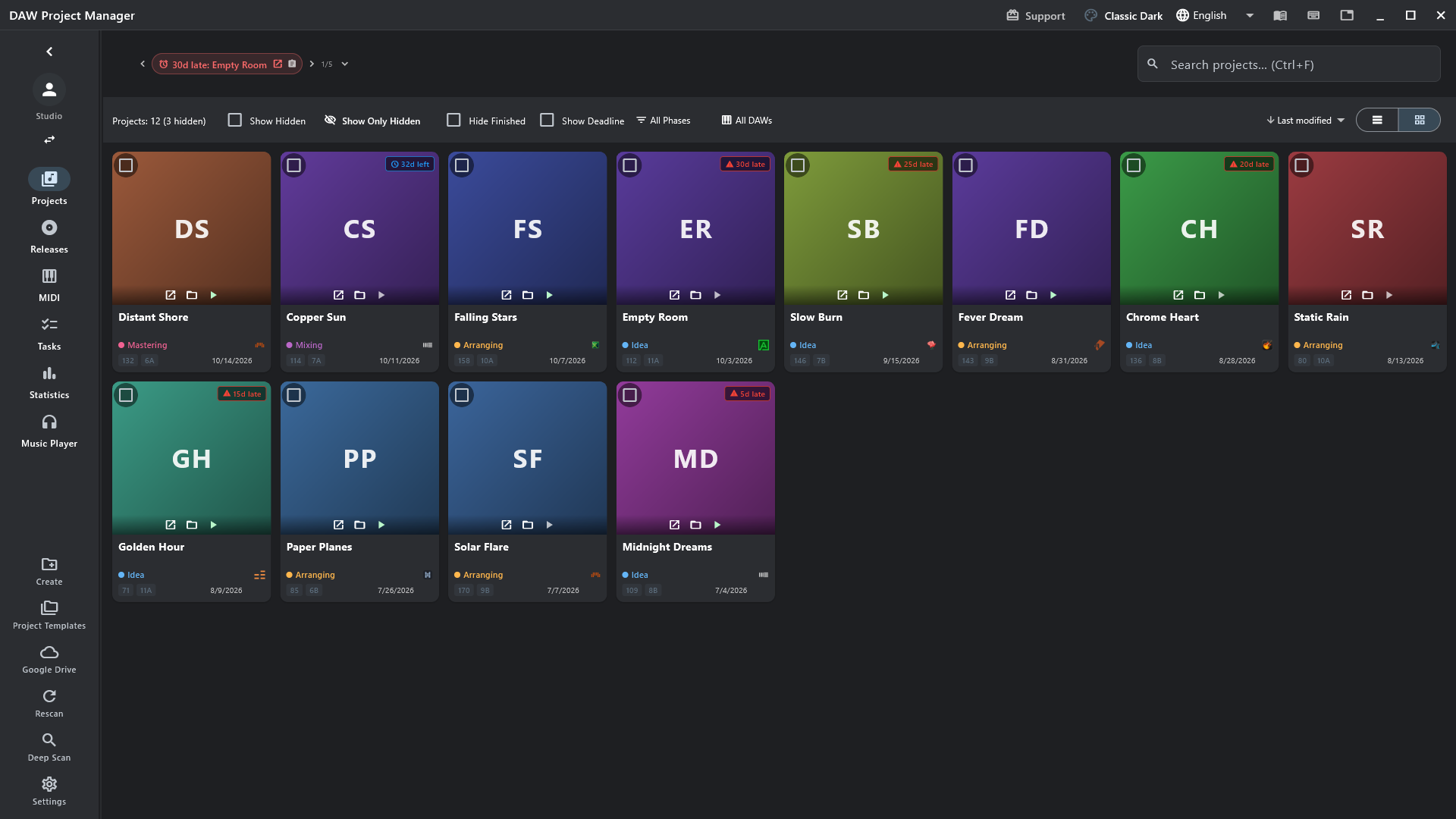
- Row buttons: play the mixdown, open in the DAW, open the project's page, open its folder, hide it.
- Right-click a project for everything else: move, archive, stack, delete…
- Change the phase straight from its cell.
- Pin projects to the bar at the top to pick up where you left off.